



Getting your ID at a Capitec Branch is now a real option for many South Africans. Through a partnership with the Department of Home Affairs, Capitec Bank allows you to apply for or replace your Smart ID card at selected branches — saving you long queues and travel time.
This guide explains exactly how it works, what to bring, and what to expect.
What Is the Capitec Smart ID Service?
The Capitec Smart ID service allows you to:
- Apply for a new Smart ID card
- Replace a lost or damaged ID
- Capture your biometrics (photo, fingerprints, signature)
All your details are securely sent to Home Affairs for processing.
This is especially helpful if:
- You rely on a SASSA grant and need a valid ID
- You’re applying for jobs, UIF, or learnerships
- You live far from a Home Affairs office
ALSO READ: FNB Stokvel Savings Account
Who Can Apply for an ID at a Capitec Branch?
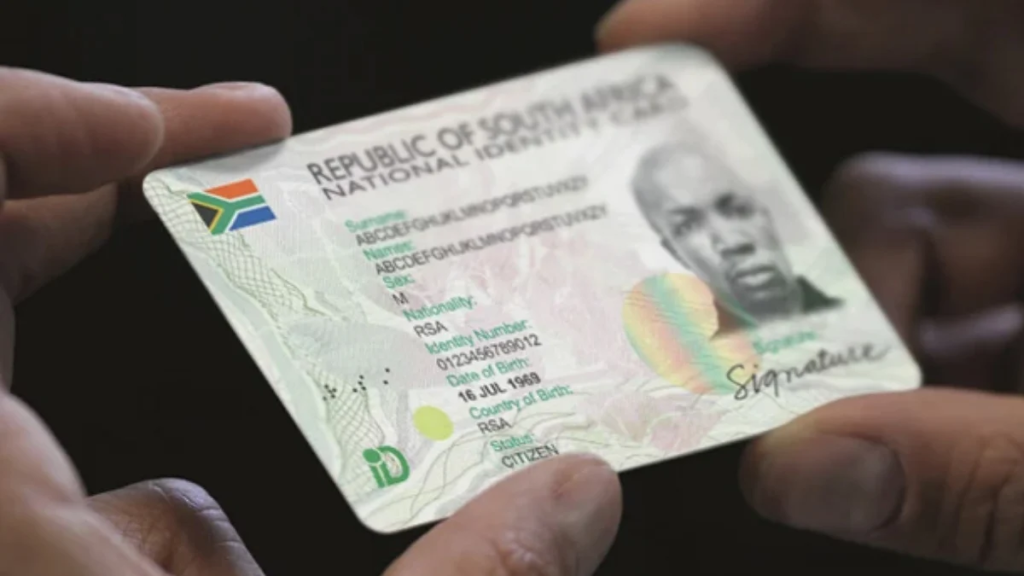
You can use this service if you are:
- A South African citizen
- 16 years or older
- Applying for a Smart ID card (not a passport)
Note: The service is currently available at selected Capitec branches only.
Step-by-Step: How to Get Your ID at a Capitec Branch
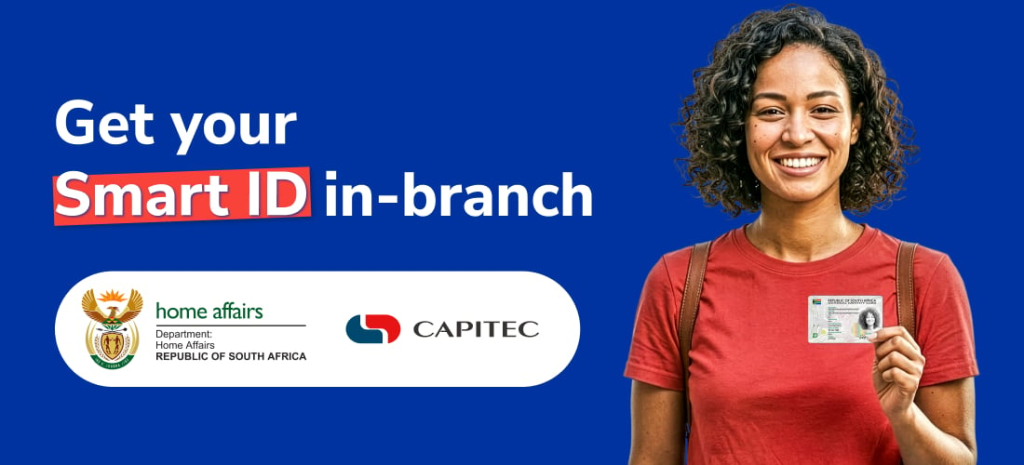
1. Find a Participating Branch
Not all Capitec branches offer ID services yet.
- Ask in-store or check online before going
- Some branches operate on a walk-in basis, while others may require booking
2. Go to the Branch in Person
You must visit the branch yourself because:
- Your photo will be taken
- Your fingerprints and signature will be captured
3. Complete Your Application Digitally
At the branch, you will:
- Enter your ID number
- Confirm your personal details
- Capture biometrics at a self-service terminal
The process is quick and paperless.
4. Pay the Application Fee
Typical costs:
- Smart ID card: R140
- Small service fee (Capitec): ± R10
5. Wait for SMS Notification
After applying:
- Home Affairs processes your ID
- You’ll receive an SMS when it’s ready
6. Collect Your ID
Return to the same branch to:
- Verify your identity
- Collect your Smart ID card
Documents Needed for a Capitec ID Application
In most cases, you don’t need many documents because the system verifies your details digitally.
However, bring the following just in case:
- Your ID number
- Your old ID book/card (if replacing)
- Proof of payment (if required)
For first-time applicants:
- A birth certificate may be required in some cases
What to Expect on the Day
Here’s what your visit will look like:
- Short waiting time (compared to Home Affairs offices)
- Assistance from Capitec staff if needed
- A simple, guided digital process
- No paperwork for most applicants
The actual application can take less than 10 minutes once you’re assisted.
Common Mistakes to Avoid
To avoid delays, keep these in mind:
- Going to a branch that doesn’t offer ID services
- Forgetting your ID number
- Not bringing your old ID for replacements
- Ignoring SMS updates about collection
Why Getting Your ID at Capitec Matters
Having a valid ID is essential in South Africa. You need it to:
- Access SASSA grants
- Apply for jobs or learnerships
- Open a bank account
- Access healthcare and government services
Using Capitec makes this process:
- Faster
- More accessible
- Less stressful
FAQs About Getting an ID at a Capitec Branch
Can I apply for my first ID at Capitec?
Yes, first-time applicants (16+) can apply, but you may need a birth certificate.
How long does it take to get my ID?
It usually takes 7–14 working days, depending on processing by Home Affairs.
Can I collect my ID at a different branch?
No, you must collect it from the same branch where you applied.
Applying for your ID at a Capitec Branch is one of the easiest ways to get your Smart ID card in South Africa today. It’s designed to help people who don’t have easy access to Home Affairs offices — especially grant recipients, job seekers, and young first-time applicants.
If you’ve been delaying your ID application because of long queues or travel costs, this option could save you time and help you move forward with work, grants, and everyday life.